
Motion Keyboard
An iPhone keyboard that corrects words from where your fingers land. Type fast without aiming, and swipe for space and delete.
Download on the App StoreFree. iPhone with iOS 26 or later.
What Motion Keyboard does
You type roughly and the keyboard works out the word. Delete, pick suggestions and add periods with a swipe.
Autocorrect from your taps
The keyboard reads the pattern of all your taps and finds the word that fits. Type “helli” and you get “hello”. It learns how you hit the keys and gets more accurate over time.
Gestures instead of keys
Swipe right for space, swipe left to delete the whole word, swipe down or up to pick a suggestion. A second swipe right adds a period.
Sends nothing
The keyboard never connects to the internet. The words it learns stay on your iPhone. It works without Full Access too.
- English and Polish
- Accents on long press
- Quick phrases on the empty bar
- iOS Text Replacement
- Space-bar cursor
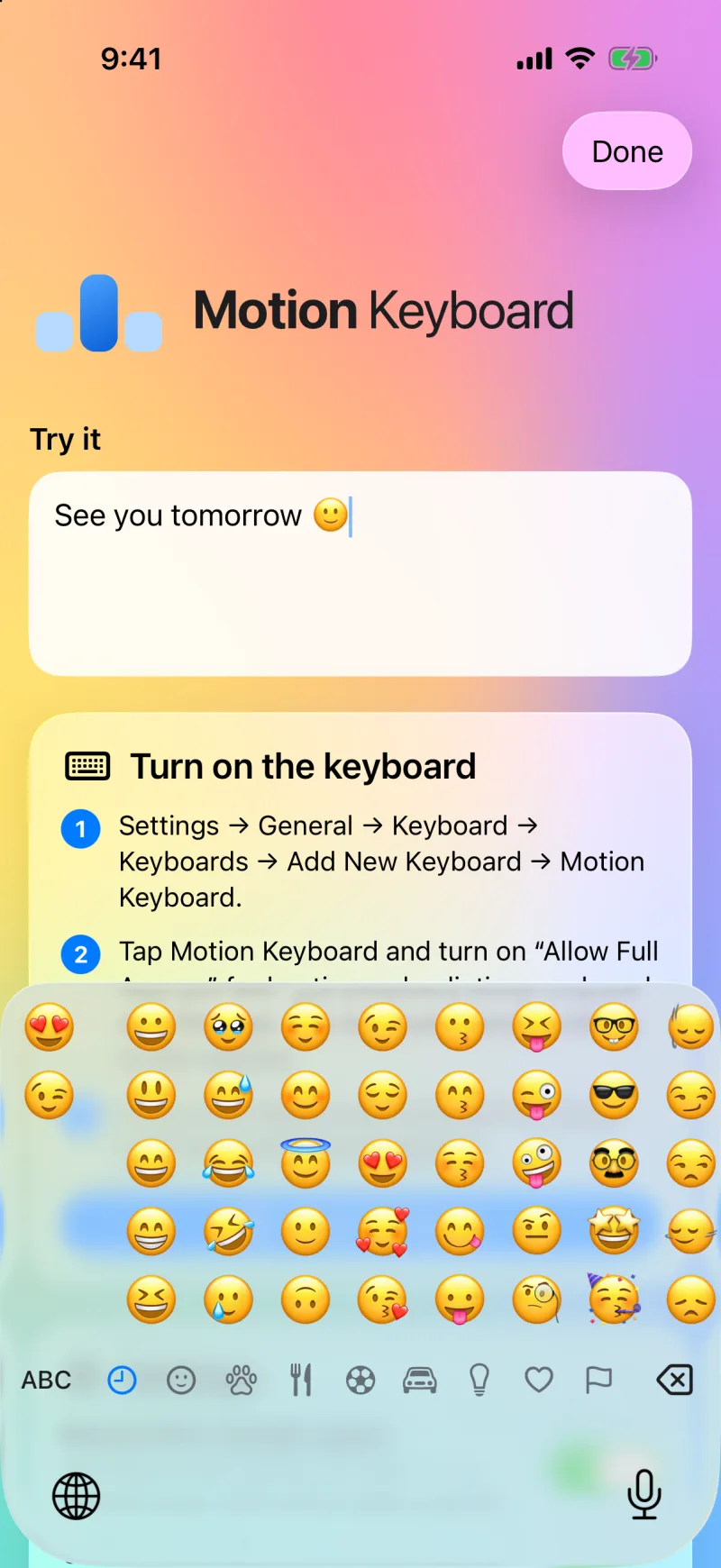
- Emoji and 123 like Apple’s
- iOS 26 Liquid Glass
See it in action
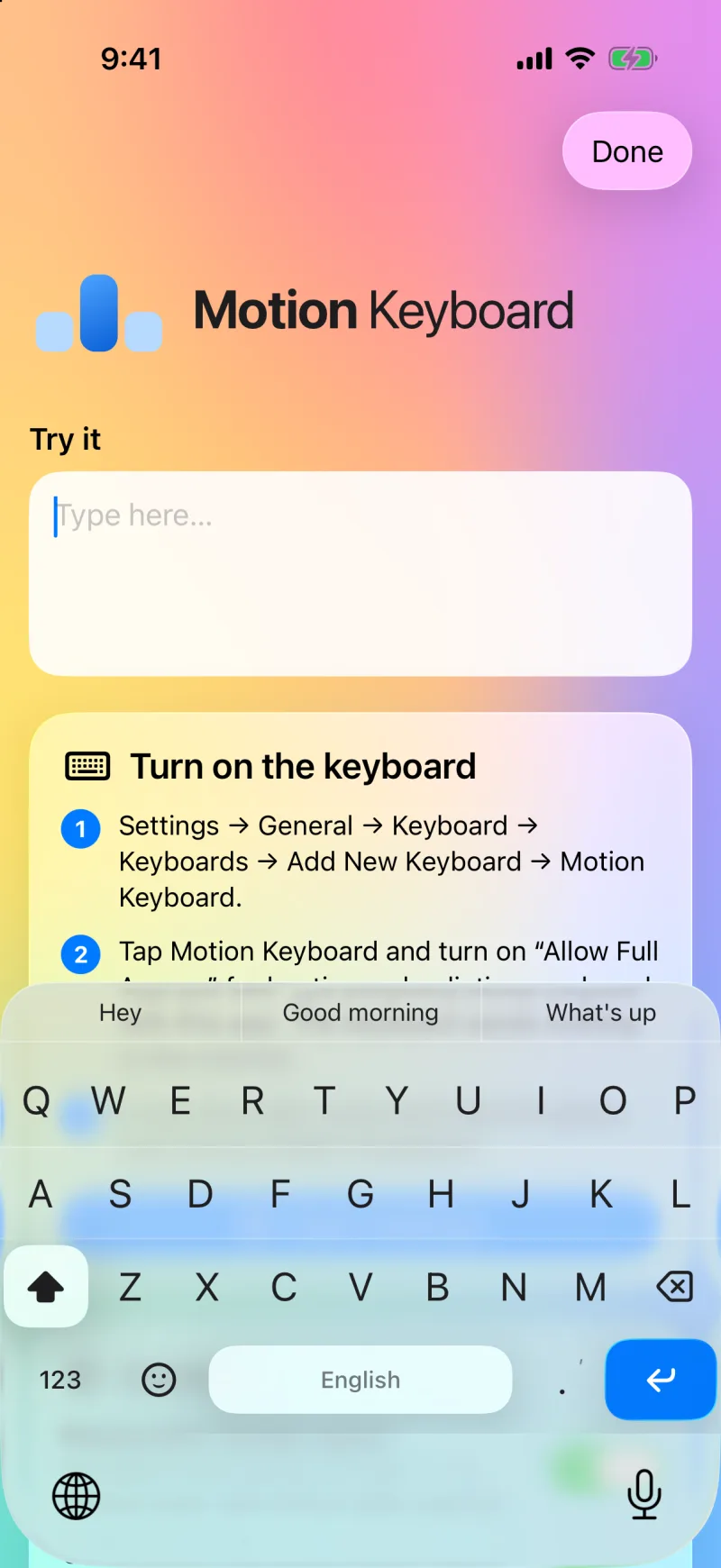
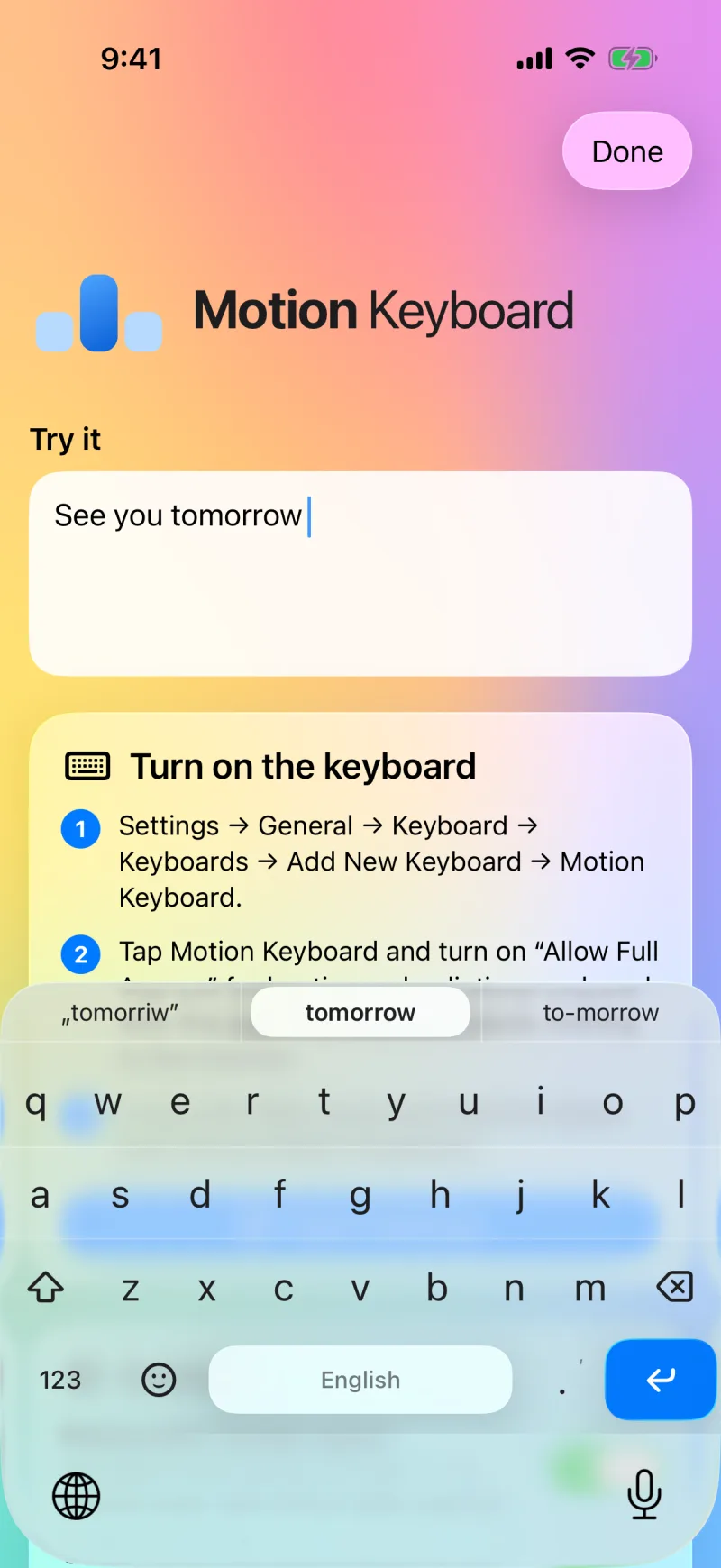
One glass pane with no gaps between keys. Every point belongs to a key, so you never tap into nothing.
Gestures
Six swipes replace space, delete and the suggestion bar. Swipe across the letters.
-
Right
Space and the corrected word.
-
Right again
A period. Swipe down or up to change it to , ? ! : ;
-
Left
Deletes the whole word. Hold your finger to keep deleting.
-
Down
Next suggestion. While typing, it changes the previous word.
-
Up
Previous suggestion. From the first one you get back exactly what you typed.
-
Up once more
Adds the word to the dictionary. Another swipe up removes it.
Get started
You turn the keyboard on once, in your iPhone’s Settings.
-
Download it
Motion Keyboard is free on the App Store. It runs on iPhone with iOS 26 or later.
-
Add the keyboard
Settings → General → Keyboard → Keyboards → Add New Keyboard → Motion Keyboard.
-
Pick it with the globe
In any text field, press and hold the globe below the keyboard and tap Motion Keyboard.
Questions
How much does Motion Keyboard cost?
Nothing. You get it free on the App Store, with no ads and no in-app purchases.
What does Full Access do?
Full Access turns on haptics, gesture sounds and a dictionary shared with the app. Without it the keyboard still types and corrects words.
Does the keyboard send what I type?
No. The keyboard never connects to the internet and sends nothing. Details are in the privacy policy.
It corrected a word I didn’t want corrected.
Swipe up: you get back exactly what you typed. Swipe up once more to add the word to the dictionary, and the keyboard stops correcting it.
Why do I see Apple’s keyboard in password fields?
iOS always shows its own keyboard in password and code fields. Every third-party keyboard works this way.
How do I switch languages?
Swipe sideways across the space bar: English ⇄ polski. The keyboard starts in your iPhone’s language.